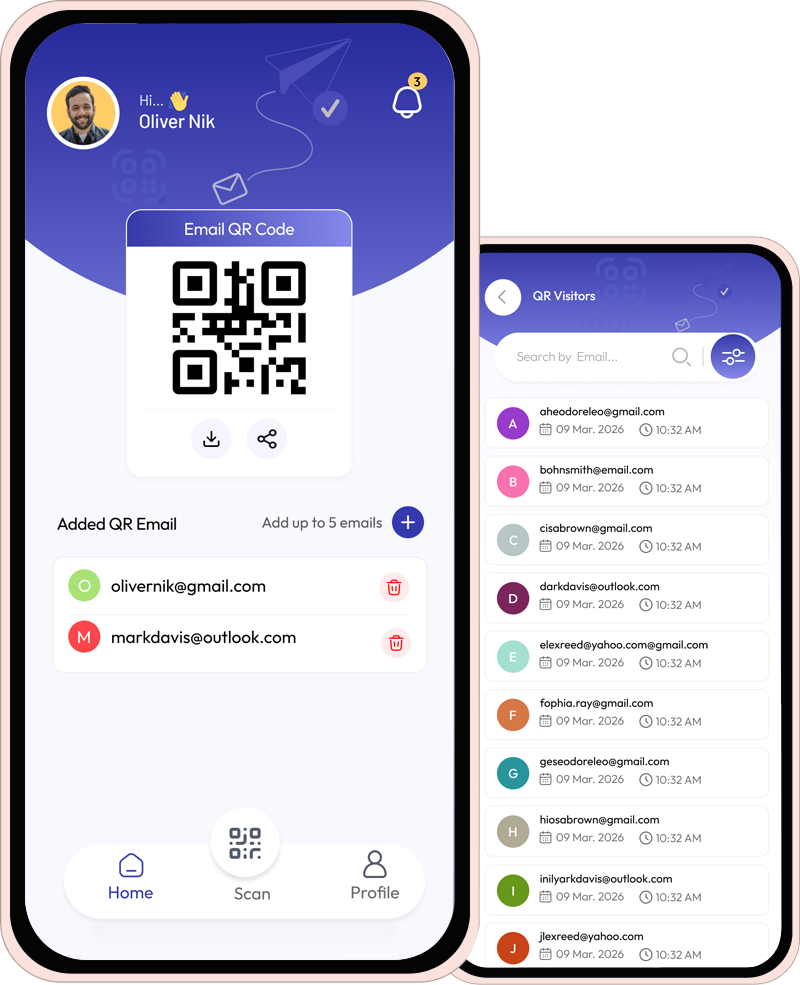
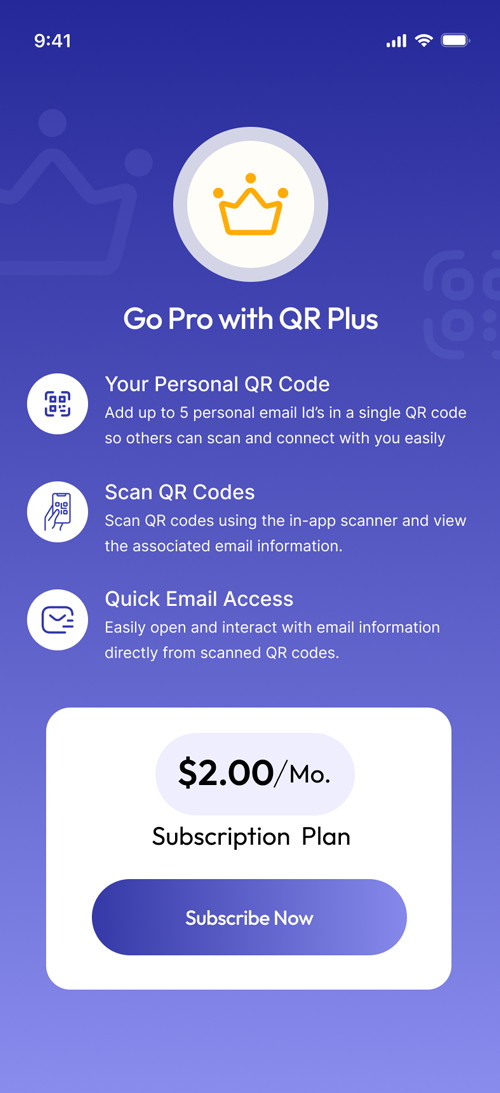
Turn every QR scan into a valuable connection. Instantly collect emails, track interactions, and build your network effortlessly.


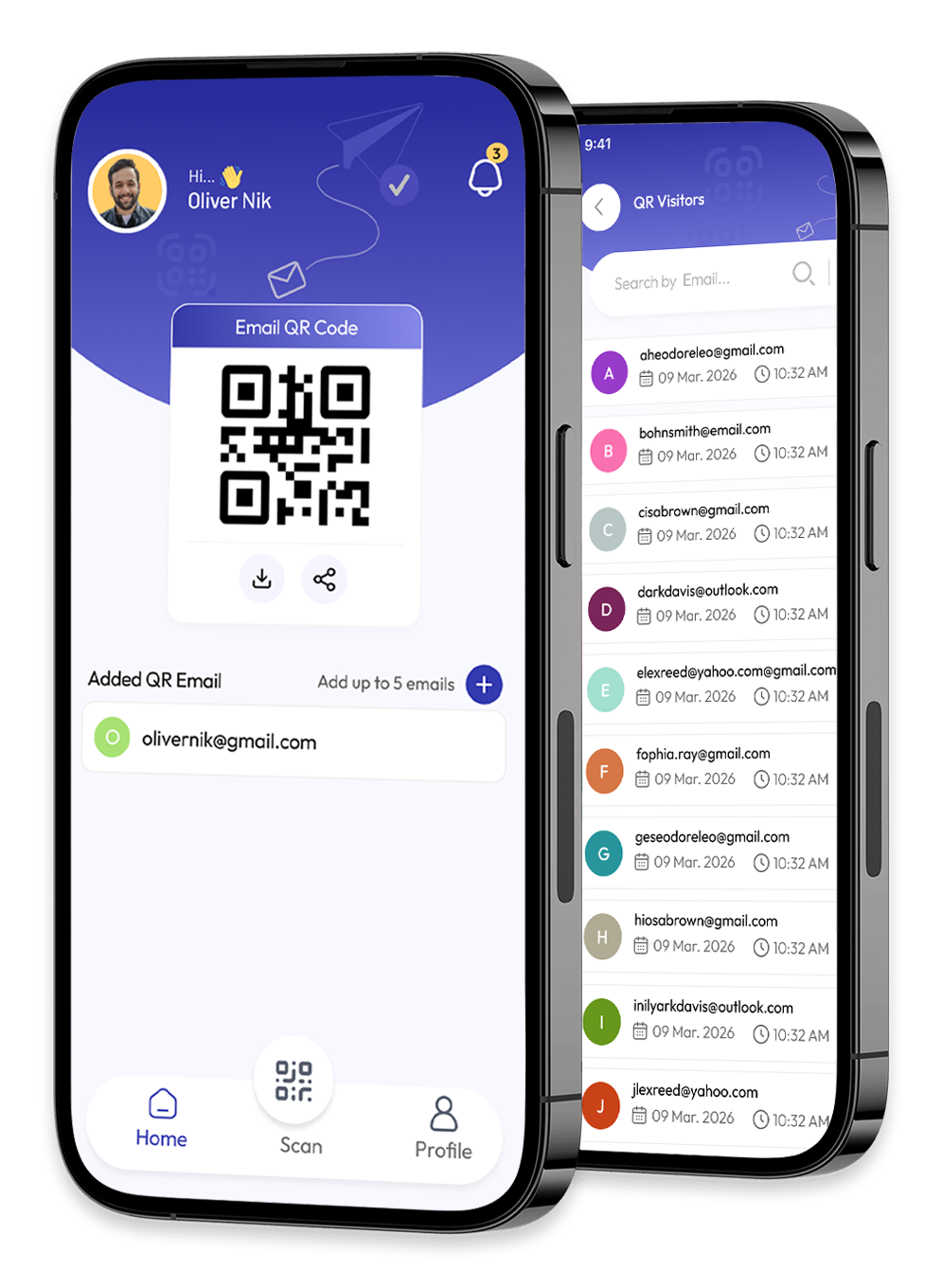





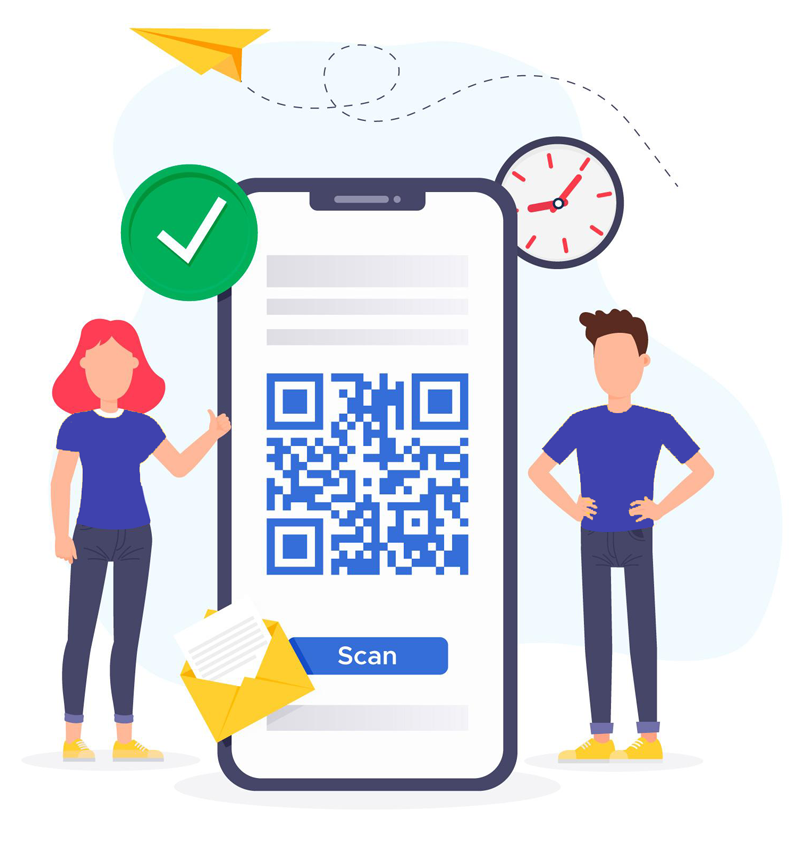
Turn every QR scan into a meaningful connection. Instantly capture emails, track user interactions, and grow your network without any manual effort.
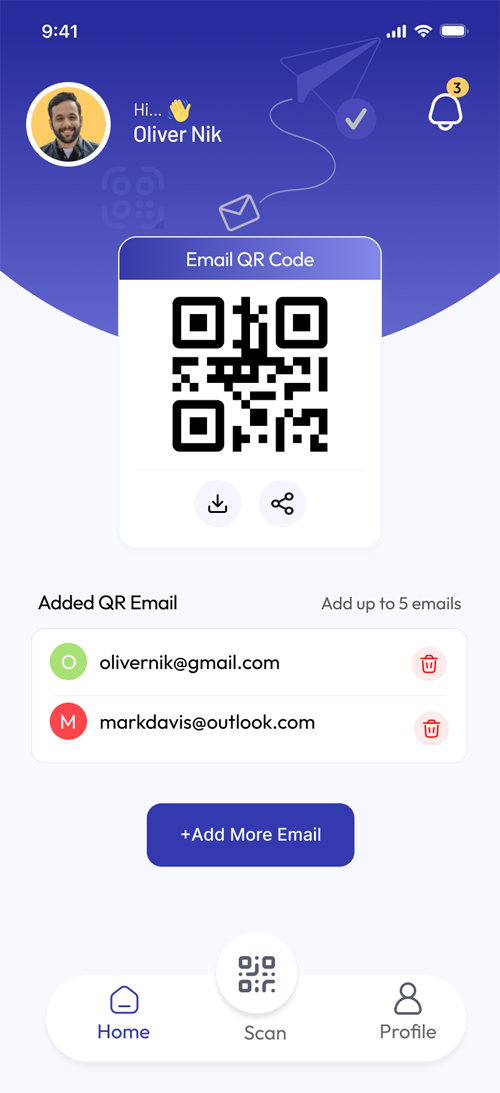
Scans your QR code
Automatically capture user email details whenever someone scans your QR code.
Organized dashboard
Get a complete overview of all your scans and captured emails in one organized dashboard.
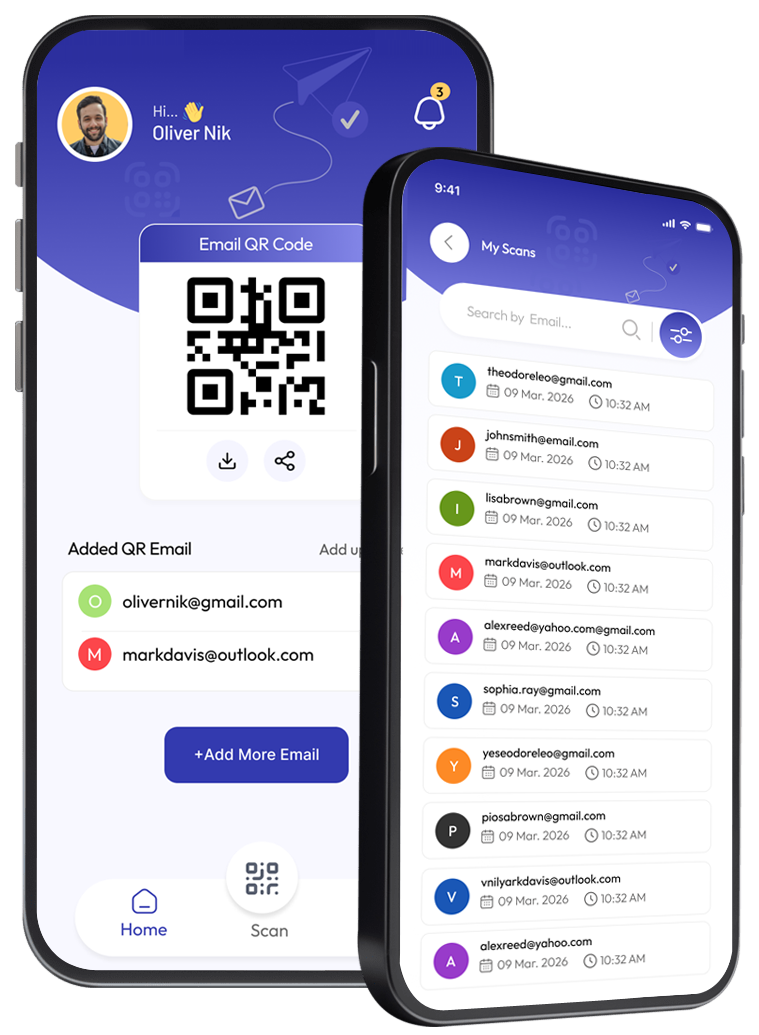
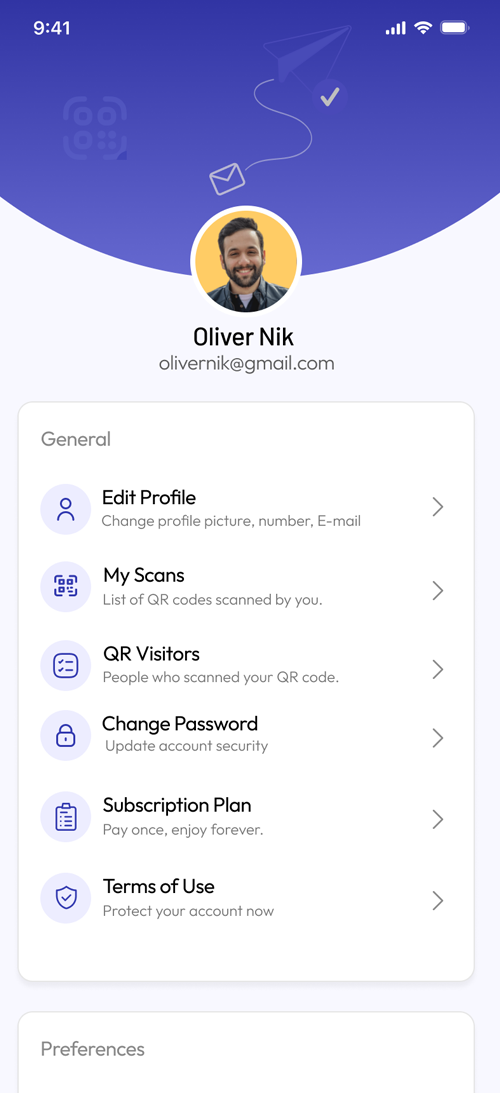
Create and manage
Create and manage your digital profile with ease. Update your personal information, customize your details,
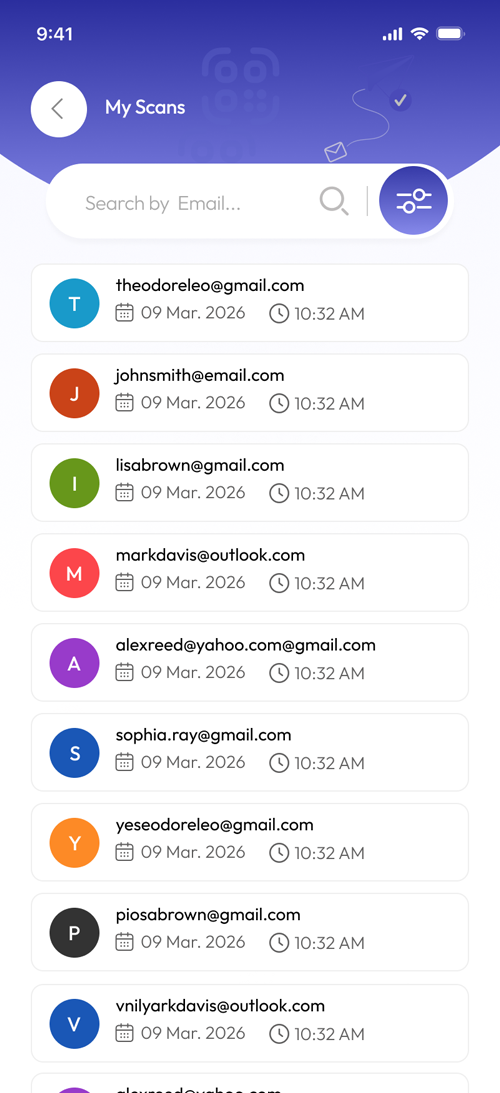
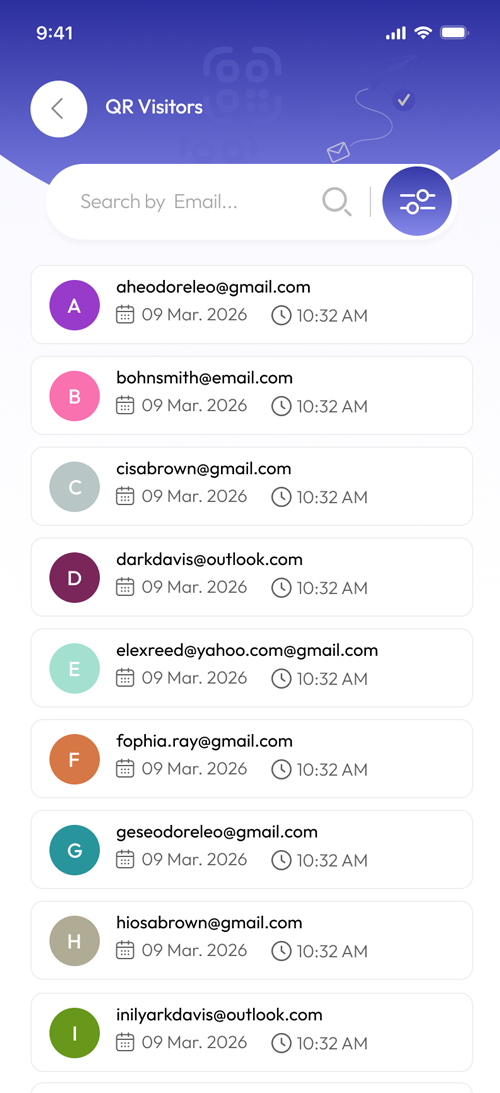
Scan Activities
Stay informed with real-time tracking of all scan activities. Know exactly who scanned your QR code,
Experience a powerful yet simple interface built to capture emails and track connections in real-time.
Evernote connects with the productivity tools you already use, so you can work your way we welcome your suggestions
Get started by downloading the app from your preferred platform.

Sign up in just a few simple steps and set up your profile.
Start scanning QR codes or share your own QR.
Find answers to the most common questions about QR scanning, email capture, and how our app helps you build meaningful connections effortlessly.
This app allows you to create and share QR codes that capture user emails instantly when scanned, helping you build connections and generate leads effortlessly.
When someone scans your QR code, they go through a quick process where their email is collected automatically and stored in your dashboard.
No, users can scan your QR code using their device without installing the app, making the process fast and convenient.
All captured emails are available in your dashboard, where you can view, manage, and organize them easily.
Basic plans may have limits, but you can upgrade to premium plans for unlimited scans and advanced features.
Start capturing emails and building your network with smart QR scanning—anytime, anywhere.